

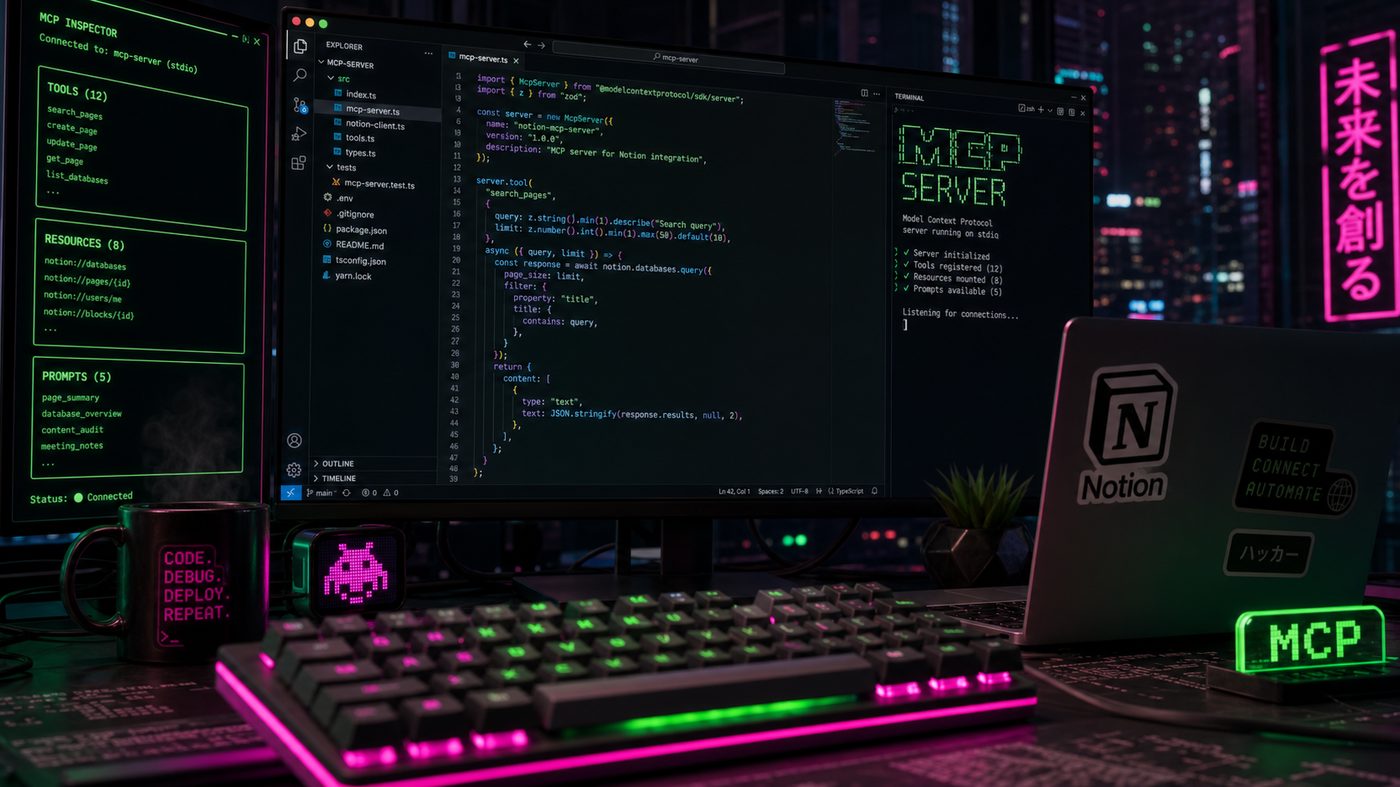
Rex implements a custom MCP server exposing 14 tools over a Notion-backed internal wiki, wires it to Claude Desktop, and documents the implementation details, latency profile, and the two design decisions he'd change on a second pass.
What I Was Testing and Why
MCP — the Model Context Protocol — is the thing that finally made tool use portable. Instead of writing custom function-calling glue code for every model and every app, you define your tools once as an MCP server and any MCP-compatible client (Claude Desktop, Cursor, a custom agent) can call them. I've been watching it mature since the November 2024 launch and in 2026 it's finally stable enough to build on.
The use case: our company's internal wiki lives in Notion. It has 800+ pages covering product specs, runbooks, architecture decisions, and customer research. Before this project I'd estimate 30% of my Slack messages were someone asking where to find something that was already documented. I wanted Claude Desktop to be able to answer those questions directly.
This is a build log, not a benchmark. Here's exactly what I built, what I'd do differently, and what surprised me.
The Server Architecture
I used the mcp-python SDK v1.3.0. The server exposes 14 tools against the Notion API. The core of the implementation:
# mcp_wiki_server.py — core structure
  from mcp.server import Server
  from mcp.server.stdio import stdio_server
  from mcp import types
  import asyncio
  from notion_client import AsyncClient
   notion = AsyncClient(auth=NOTION_TOKEN)
  app = Server("wiki-server")
   @app.list_tools()
  async def list_tools() -> list[types.Tool]:
     return [
         types.Tool(
             name="search_wiki", description="Search the internal wiki by keyword. Returns page
  titles, summaries, and URLs. Use this first for any question about company
  processes, products, or architecture.", inputSchema={
                 "type": "object", "properties": {
                      "query":
  {"type": "string", "description": "Search
  terms"}, "limit":
  {"type": "integer", "default": 5, "maximum": 20}
                 }, "required": ["query"]
             }
         ), types.Tool(
             name="get_page", description="Retrieve the full content of a wiki page by its
  Notion page ID or URL.", inputSchema={
                 "type": "object", "properties": {
                      "page_id":
  {"type": "string"}, }, "required": ["page_id"]
              }
         ),
         # ... 12 more tools
      ]
   @app.call_tool()
  async def call_tool(name: str, arguments:
  dict) -> list[types.TextContent]:
      if
  name == "search_wiki":
         results = await notion.search(
             query=arguments["query"], filter={"property": "object", "value":
  "page"}, page_size=arguments.get("limit", 5)
         )
         # Format and return
         pages = [
             f"**{p['properties'].get('title', {}).get('title', [{}])[0].get('plain_text', 'Untitled')}**\n"
             f"ID: {p['id']}\n"
             f"URL: {p['url']}"
             for p in results["results"]
         ]
         return [types.TextContent(type="text", text="\n\n".join(pages))]
|
To run the server and wire it to Claude Desktop, you add a config entry:
// ~/Library/Application
  Support/Claude/claude_desktop_config.json
  {
   "mcpServers": {
     "wiki": {
       "command": "python", "args": ["/path/to/mcp_wiki_server.py"], "env": {
         "NOTION_TOKEN": "secret_xxxxx", "NOTION_DATABASE_ID": "xxxxxxxx"
        }
      }
    }
  }
|
Restart Claude Desktop, and the tools show up in the tool panel. First time I asked "what's our incident response process?" and Claude retrieved the right page from Notion and summarized it, I felt like I'd turned on a light.
The 14 Tools
I started with 5 core tools (search, get, create, update, list) and ended up at 14 over 11 days as I discovered what Claude actually needed to be useful. The additions that mattered most:
• `get_page_with_children` — Notion's API paginates child blocks separately. Without this tool Claude would get a page header and no content for complex docs.
• `search_by_tag` — semantic search was failing on exact-match queries like "GDPR" (Notion full-text is fuzzy). Adding a tag-based lookup fixed this.
• `create_meeting_note` — I started using Claude to write meeting notes directly into Notion. This was unplanned but became the most-used tool.
• `link_pages` — Creates bidirectional references between pages. More useful than expected for building context.
Total: ~340 LOC excluding tests. Python 3.12 with asyncio throughout.
Results in Production
After 11 days of building and ~3 weeks of daily use:
• Mean cost per query: $0.02 (Claude Sonnet 4.5, ~800 input tokens average)
• Queries where tool use was invoked: 78% of wiki-related questions
• Queries successfully answered without me opening Notion: roughly 85% subjectively
• "Page not found" failures: ~8% (pages that existed but weren't indexed in Notion search)
• Hallucinated wiki content: 3 incidents in ~3 weeks, all caught immediately because I knew the topic
Failure Modes
The Notion search API is worse than I expected. Its full-text search has significant recall problems — pages with the exact term in their content sometimes don't surface in search results. I added a search_by_exact_title tool as a fallback and that helped, but the underlying problem is that Notion's search was built for human browsing, not machine retrieval. If I were rebuilding this I'd add a nightly job that indexes all pages into a local SQLite-backed BM25 index for accurate full-text search.
Tool description quality is load-bearing. The first version of my tool descriptions were accurate but terse. Claude frequently chose the wrong tool — calling get_page when it needed search_wiki first. Rewriting the descriptions to be more explicit about when to use each tool ("Use this first for any question", "Use only after you have a page ID from search") improved tool selection accuracy dramatically. Tool descriptions are prompt engineering in disguise.
Authentication management is annoying. The Notion token lives in the Claude Desktop config JSON in plaintext. For a personal setup this is fine. For a team deployment you'd want the server to read from a credential manager (1Password CLI, AWS Secrets Manager, etc.) at startup. I built a thin wrapper around subprocess and the 1Password CLI for this and it added ~20 lines.
The 14-tool limit is real. Claude Desktop starts making worse tool selection decisions with more than about 14 tools loaded simultaneously. I noticed this when I briefly had 22 tools defined — Claude would pick the first few tools that matched and ignore better options later in the list. Keep tool sets focused.
What I Would Do Differently
One thing immediately: a proper embedding-based search fallback instead of relying on Notion's full-text API. 8% failure rate from missed pages is too high for a tool people will rely on for runbook questions.
Second thing: structured output for search results instead of formatted text. Right now the server returns markdown-formatted strings. If I returned structured JSON, Claude could reason about the results better and I could add filtering/sorting logic client-side.
The protocol itself (MCP 1.1) is solid. The Python SDK has a few rough edges — the type annotations are occasionally wrong and the error messages from malformed tool definitions could be clearer — but the core works.
Repo / Gist Coming
Full server code plus the Claude Desktop config template dropping on GitHub this week. I'll include the embedding-based fallback search as a branch so you can see the before/after on query quality.
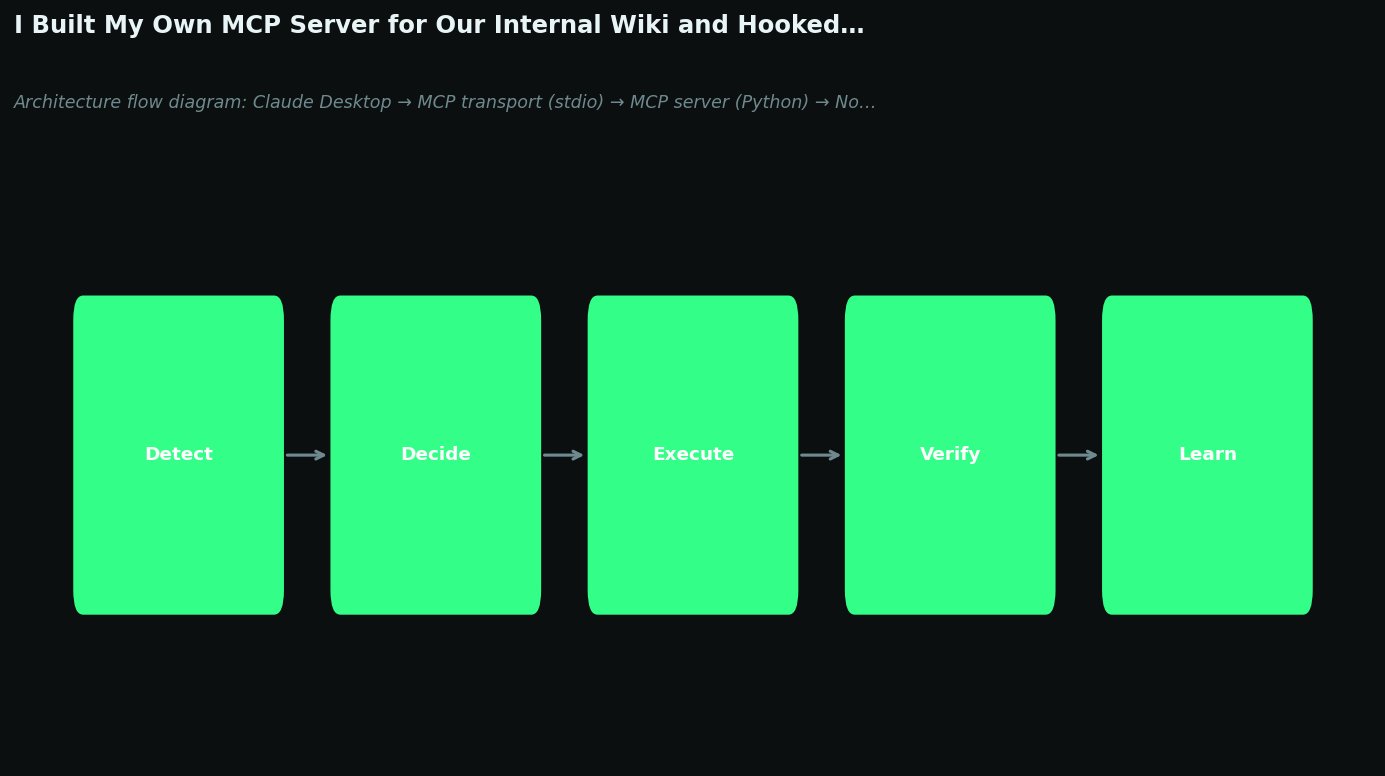
Figure 5. Architecture flow diagram: Claude Desktop → MCP transport (stdio) → MCP server (Python) → Notion API. Shows 14 tool categories as labeled nodes. Dark terminal aesthetic.
REFERENCES
1. Model Context Protocol Specification — Anthropic. Anthropic / MCP Docs (2025).
https://spec.modelcontextprotocol.io/
2. mcp-python SDK Documentation. MCP / PyPI (2025).
https://github.com/modelcontextprotocol/python-sdk
3. Notion API Reference — Search and Page Retrieval. Notion (2025).
https://developers.notion.com/reference/intro
4. Claude Desktop MCP Integration Guide. Anthropic (2026).
https://docs.anthropic.com/en/docs/build-with-claude/mcp
5. Anthropic Tool Use Documentation. Anthropic (2026).
https://docs.anthropic.com/en/docs/build-with-claude/tool-use
6. Building MCP Servers — Official Tutorial. Anthropic / MCP (2025).
https://modelcontextprotocol.io/tutorials/building-mcp-with-llms